
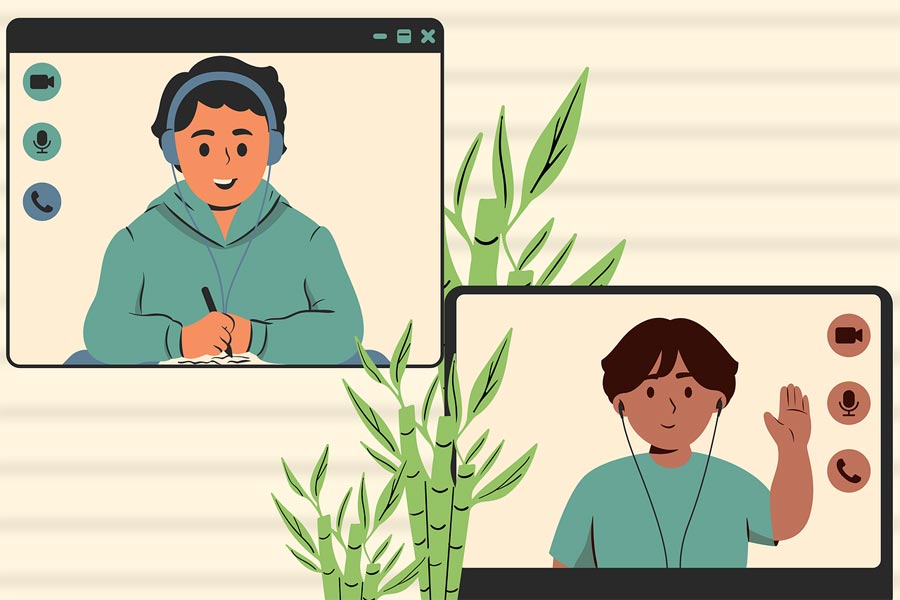
Image by Moondance from Pixabay
Technology has changed how children learn from home. One of the easiest ways to keep parents in the loop is through digital newsletters and email updates.
When teachers share classroom updates, student wins, and learning materials, they can strengthen family involvement, help students succeed, and make remote learning feel less isolated.
Tools for Creating Engaging and Parent-Friendly Remote Learning Updates
Remote learning has created incredible possibilities, but it’s brought fresh challenges too.
The biggest obstacle? Keeping kids focused when they’re not sitting in a classroom.
Teachers can’t easily spot confused faces or catch when someone needs extra help. Kids juggle multiple browser tabs, fight off home distractions, and burn out from staring at screens all day.
This is where communication tools can make a big difference.
Digital Newsletters
Digital newsletters are one of the most powerful ways to connect teachers and families.
Teachers often include these elements in their weekly emails:
- A quick recap of what students tackled during the week
- Homework, projects, or deadlines, parents should circle on their calendars
This way, teachers build trust and give families specific ways to support their children’s learning.
Newsletters also save precious time. One well-crafted newsletter can replace a dozen separate emails or phone calls, making sure parents catch important details while strengthening family communication.
Multimedia Content
Visual elements make school newsletters pop. Short videos, animations, or virtual lab tours can be embedded so parents can witness learning firsthand.
A teacher might record a quick 2-minute clip of a student walking through a science experiment or design an animated timeline for a history unit.
These visuals help families feel connected, reinforce learning at home, and let students share their accomplishments with parents.
Interactive Features
Small interactive touches can transform newsletters. Teachers might decide to add:
- Quick polls
- Mini-quizzes
- Discussion starters for parents and children
A simple “Ask your child: What surprised you most this week?” section sparks meaningful dinner table conversations and strengthens family bonds.
Centralized Platforms
Unified platforms simplify everything. Tools like Google Classroom, Seesaw, or Microsoft Teams work well here.
When newsletter tools connect with these platforms, teachers can post assignments, review student work, and update families all in one spot.
Troubleshooting and Accessibility
Small technical issues can quickly disrupt a child’s learning flow. Mac users may encounter problems such as a laptop failing to connect to Wi-Fi or a tablet freezing, which can be frustrating during lessons. Because the MacBook trackpad is a key navigation tool, understanding how to address MacBook trackpad not clicking issues can be particularly helpful. Having practical tips for MacBook troubleshooting can save time, reduce frustration, and help ensure a smooth learning experience across devices.
Accessibility features like captions, adjustable text sizes, and translation tools further ensure that every family stays informed and engaged, regardless of language or ability differences.
How to Use Digital Newsletters Effectively
Digital newsletters connect the classroom and home. Here’s how teachers can maximize their impact:
1. Plan Your Weekly Content
Pick a consistent format so parents know what’s coming. A solid structure might feature:
- This Week’s Focus: Current topics or skills
- Student Highlights: Photos, projects, or wins
- At-Home Activities: Simple exercises families can try together
- Reminders: Coming assignments, events, or deadlines
Consistency builds trust and helps families stay organized.
2. Keep It Clear and Concise
- Skip overwhelming walls of text
- Use headings, short paragraphs, and bullet points for easy scanning
- Bold important dates or action items so they jump out
3. Include Multimedia
Pictures tell stories words can’t. Add short videos, student work screenshots, or interactive links. These visuals show parents learning in action and create natural conversation starters at home.
4. Engage Parents
Add prompts that invite family participation. Try “Ask your child to demonstrate one math trick they learned this week” or “Email us a photo of your child’s weekend reading spot.”
This creates community and extends learning beyond school hours.
5. Use a Centralized Platform
Send newsletters through platforms that connect with your classroom tools. Everything stays organized in one place, reducing family confusion. Teachers can also track newsletter opens and plan follow-ups when needed.
6. Monitor and Adjust
Watch what resonates. If parents consistently respond to certain sections or content types, add more of those.
Drop sections that get ignored. The goal is meaningful communication, not information overload.
Using Smart Tools to Streamline Newsletters
Weekly newsletters eat up time. Some platforms offer AI features that handle the heavy lifting.
Schools and edtech providers can even use custom AI development to create a solution that automates routine tasks.
For example, AI tools might help with:
- Suggesting relevant updates based on assignments or student projects
- Auto-formatting content for a polished look
- Scheduling emails when parents are most likely to read them
When repetitive tasks get automated, teachers can focus on creating meaningful content and connecting directly with families. This keeps newsletters personal, informative, and impactful.
Conclusion
Technology’s real power in remote learning lies in connecting curiosity with support.
Digital newsletters, email updates, and integrated communication platforms help teachers keep parents informed, engaged, and actively involved in their child’s education.
Smart combinations of multimedia, interactive content, and structured communication strengthen family connections, reduce confusion, and free up time for actual teaching.
FAQ
1. Why should teachers use digital newsletters for parent communication?
Digital newsletters create a reliable channel for sharing classroom activities, assignments, and student achievements. They keep families engaged, cut down on email chaos, and give parents specific ways to support learning at home.
2. How often should newsletters be sent?
Weekly updates work best for most classrooms. This hits the sweet spot between keeping parents informed and avoiding inbox overload. Some teachers add brief mid-week notes for urgent updates or approaching deadlines.
3. What should be included in a newsletter?
Good newsletters balance updates with engagement. Include current learning topics, student photos and projects, simple home activities, and upcoming assignments or events. Multimedia, like short videos or interactive links, boost engagement.
4. How can newsletters increase parent engagement?
Interactive elements and actionable items encourage parent participation. Try discussion prompts, project sharing links, or quick quizzes. Regular updates also build trust and create classroom community feeling.
5. Can newsletters integrate with classroom platforms?
Absolutely! Platforms like Google Classroom, Seesaw, and Microsoft Teams support newsletter tool integration. This centralizes communication, tracks who’s received updates, and reduces app juggling for everyone.